from torch.utils.tensorboard import SummaryWriter # 如果没有tensorboard则需要手动安装 # pip install tensorboard writer = SummaryWriter('logs') # Create an instance and input the log dir for i inrange(100): writer.add_scalar('y=2x', 2 * i, i) # Set the tag, value of y and x writer.close()
Then in the terminal:
tensorboard --logdir=logs
# logs is the dir path
add_image
The type of the image has to be numpy array. And also, check the dimension of the image. Default is (3, H, W). If not default, set it manually.
1 means this is the first step of tag test. In an iteration, we should update step variable after completing one iteration.
transforms
ToTensor
可以改变图像的类型。First create an instance of ToTensor, then call this instance like a function to convert an image. Because there is a function called __call__() inside the class ToTensor
resize doesn’t change the type of img. img is still PIL type after resize. When inputting only one value, the shorter edge will be set to this value. Then scale the image according to the original ratio.
trans_resize = transforms.Resize(512)
compose
组合变换. Input should be a list. Every element should be an instance of functions in transforms. It will execute the function in order.
import torch import torchvision from torch.utils.data import DataLoader from torch import nn from torch.nn import Conv2d from torch.utils.tensorboard import SummaryWriter
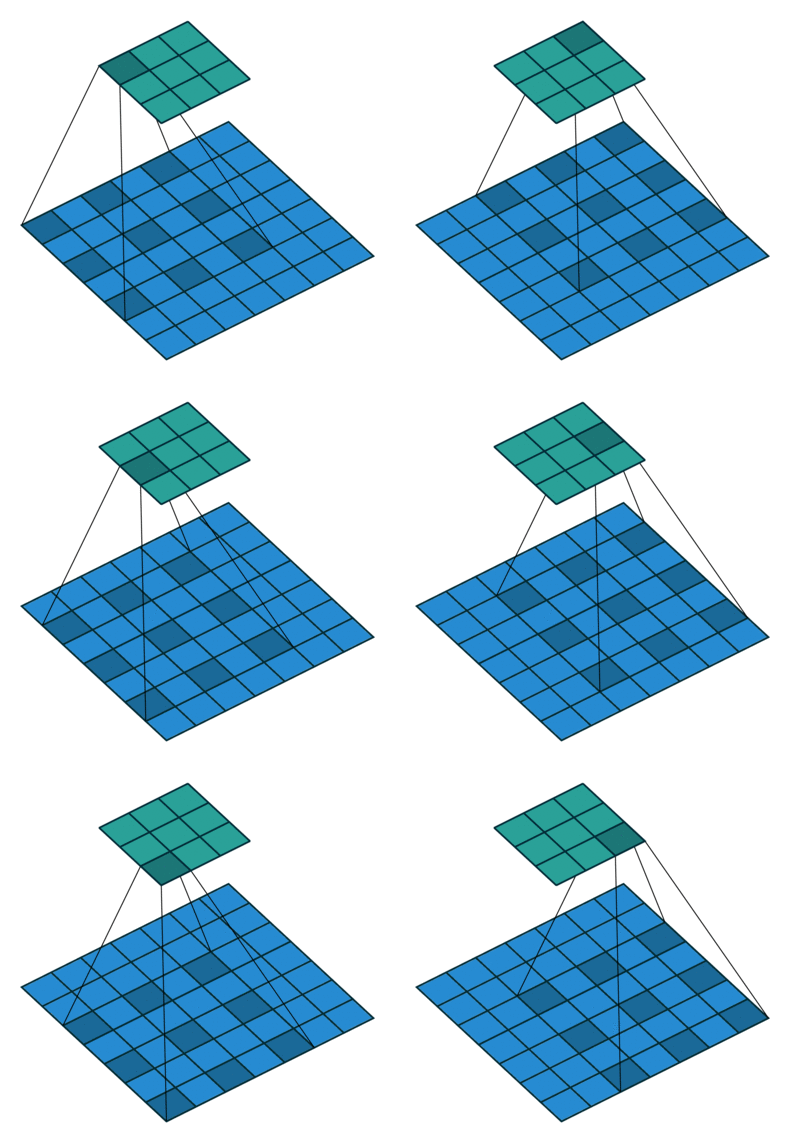
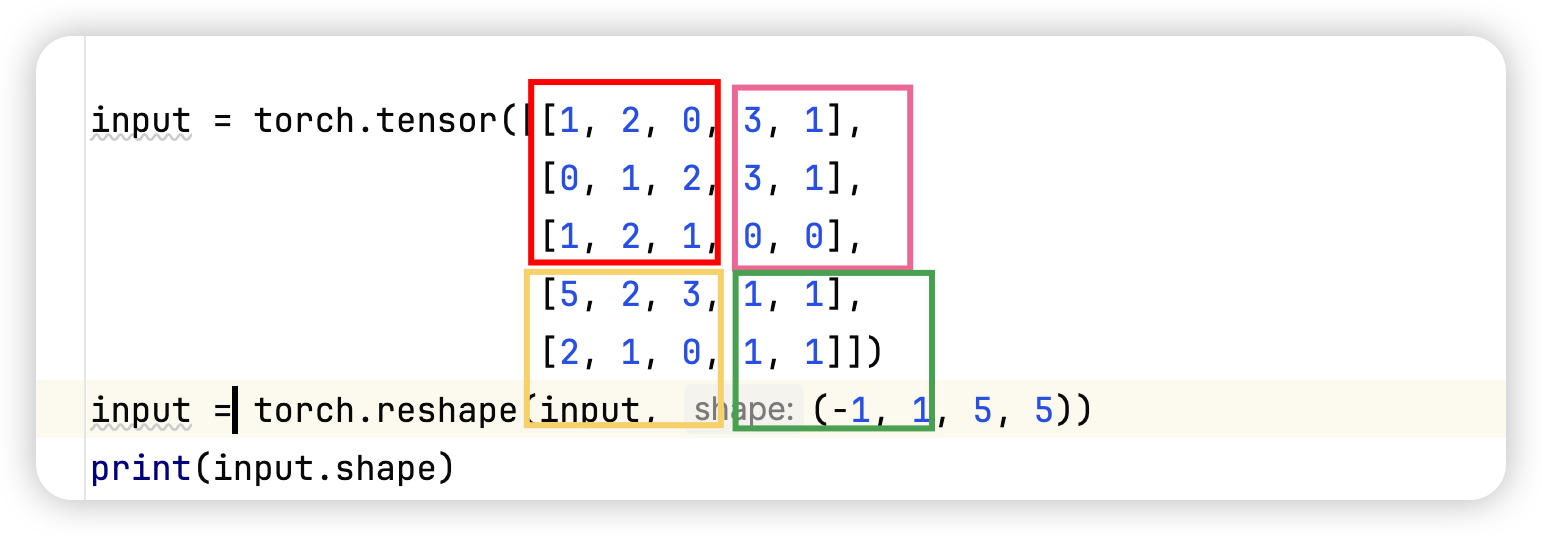
In this program, we carry out an operation of pooling to choose the maximum value of each part. And because of ceil_mode=True, although there are some parts not fully matched with the size 3 by 3, it can still be pooled.
import torch import torchvision.datasets from torch import nn from torch.nn import ReLU from torch.nn import Sigmoid from torch.utils.data import DataLoader from torch.utils.tensorboard import SummaryWriter
for data in dataloader: imgs, targets = data output = torch.reshape(imgs, (1, 1, 1, -1)) # output = torch.flatten(imgs) output = kev(output) print(output.shape)
There are two methods we can use to change the shape of imgs here, reshape and flatten. flatten will make imgs only have one dimension instead of 4 made by reshape
sequential
一种把多个layer放在一个序列里面的方法。可以方便管理,简化逻辑。
Loss function, back propagation, optimizer
# define loss function and optimizer
loss_fn = nn.CrossEntropyLoss()
optim = torch.optim.SGD(net.parameters(), learning_rate)
# calculate loss
result_loss = loss_fn(outputs, targets)
optim.zero_grad()  # zero previous gradient
result_loss.backward()
optim.step()
The code above should be run in a loop.
save and load neural network
vgg16 = torchvision.models.vgg16(pretrained=False) ''' 1st method to save Both model's structure and parameters will be saved '''
torch.save(vgg16, "vgg16_method1.pth")
''' 2nd method to save Only model's parameters will be saved ''' torch.save(vgg16.state_dict(), "vgg16_method2.pth")
# 1st method to load model = torch.load("vgg16_method1.pth") # 2nd method to load vgg16 = torchvision.models.vgg16(pretrained=False) vgg16.load_state_dict(torch.load("vgg16_method2.pth")) print(model)